











This page walks you through accessing your Helabet account from Tanzania. Whether you need to log in after registering, recover a forgotten password, or switch to the mobile app, the sections below explain each situation in plain language. You need a stable internet connection and the credentials created during registration. Users must also meet the applicable age requirement and should only use an account in their own name.
How to Log In to Helabet
Signing in is normally straightforward. Open the Helabet website in a browser on your phone or computer. On the homepage, select the login option and enter the phone number or username connected to your profile, followed by your password. Check the digits carefully before submitting the form. Once the details are accepted, your account dashboard should open, allowing you to review your profile and use the available betting features.
If the page takes a long time to load, refresh it, clear the browser cache, or try another current browser. A weak mobile connection can cause a timeout, so switching between mobile data and Wi-Fi may help. Confirm that the address is hela-bet-tanzania.com before entering private information. Avoid signing in through links sent by unknown people, especially if a page asks for payment details or a password outside the normal login form.
Common access errors have several possible causes. A wrong-password message may result from caps lock, an extra space, or an outdated autofill entry. An account-lock message can follow repeated unsuccessful attempts; stop trying for a while rather than testing many more passwords. If a region notice appears, check that your connection is in Tanzania and turn off a VPN that routes traffic through another country. Do not share a one-time code with anyone claiming to be support.
Registration Process
Before you can sign in, you need to create an account. Open the website and select the registration option on the main screen. The form may request personal information used to identify the account and process transactions. Enter accurate details and use a phone number that you control, because it may be needed for verification, password recovery, and account-related messages.
- Step 1: Enter your Tanzanian mobile number and check every digit before continuing.
- Step 2: Create a password that is unique and not used on another service.
- Step 3: Select the applicable currency and review the information shown in the form.
- Step 4: Read the terms, confirm that the details are correct, and submit the registration.
You may receive an SMS containing a confirmation code. Enter it on the verification screen without forwarding it to another person. If the message does not arrive, wait briefly, check your signal, and request another code only when the option becomes available. Keep the SIM card linked to the account active. A later change of phone number may require additional checks through customer support.
Registration does not guarantee a successful transaction or a profit. Before using any sportsbook feature, review the applicable rules, payment conditions, and personal spending limits. If you want to check an offer already available on the site, read the promo code information rather than relying on messages from unofficial sources.
Login via the Mobile App
The mobile application provides an alternative to opening the website in a browser. After installation, open it and use the same phone number or username and password associated with your account. A separate profile is not required, so creating another account can cause confusion when checking balances or verification records.
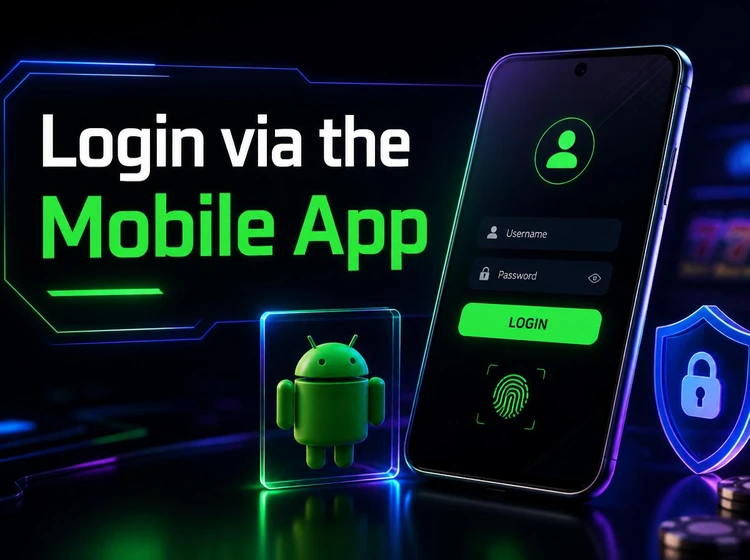
Use the mobile app page to find the installation instructions provided for this service. Check the download source and the permissions requested before installing an Android file. Keep enough storage available, allow installation only when necessary, and remove permission for unknown sources again afterward if your phone settings permit it. Updates should come from the same trusted source rather than from a random file-sharing page.
The app may make regular account access more convenient, but it does not remove the need for security checks. Lock your phone with a screen PIN or biometric control, avoid saving passwords on shared devices, and sign out if another person may use the phone. If the app displays an error after an update, close it, check the connection, and compare the result with the browser version before reinstalling.
Password Recovery
If you forget your password, open the login screen and select the password-recovery option below the password field. Enter the mobile number linked to the profile and wait for the one-time reset code by SMS. Type the code into the requested field, then create a new password that you have not used elsewhere. Follow any instructions shown on screen and return to the login page when the reset is complete.
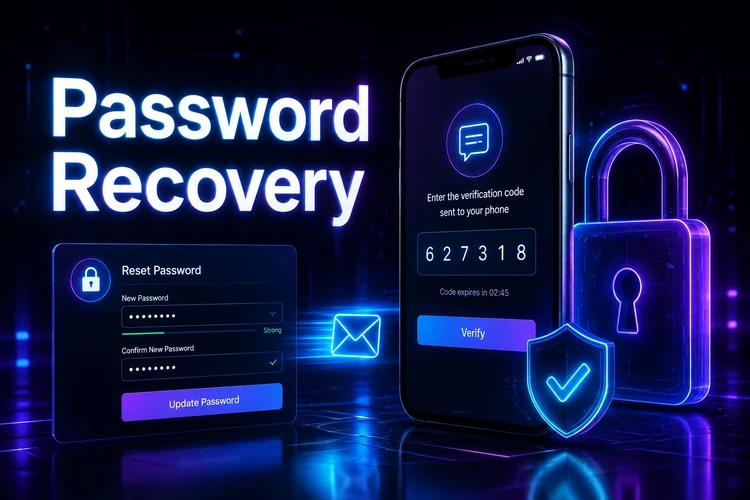
Choose a long password with a mixture of letters and numbers, and avoid using your birth year, name, or phone number. Do not write it in a public note or send it through chat. A password manager can help if you have several accounts, provided the device and manager are protected.
If the SMS is delayed, confirm the number and network signal, then request a fresh code once rather than repeatedly submitting old codes. Codes can expire, and using several requests may make it unclear which message is current. If recovery still fails, contact support through the contact page. Include the registered phone number and a clear description of the error, but never include your password or a complete reset code.
Affiliate and Partners Access
The partner programme is intended for website owners, bloggers, and other approved publishers who refer new players. Its portal is separate from the ordinary betting account. It has a different dashboard and may use separate credentials, so a successful betting-account login does not automatically provide partner access.
A partner dashboard can show referral activity and other information defined by the partnership agreement. Review the programme terms, approval requirements, commission conditions, and payment schedule before sharing promotional material. If you cannot find the partner application route, ask support for the current instructions instead of entering account details into an unverified page.
FAQ
Use the mobile phone number or username connected to your account and the password created during registration. Enter the details on the login screen and check them before submitting. A standard sign-in should not require you to share your password with another person.
Open the website, select the registration option, provide accurate personal details and a Tanzanian mobile number, create a secure password, and submit the form. If an SMS verification code is sent, enter it on the verification screen. Keep the linked SIM available for future account checks.
Yes. The mobile app and website use the same account details, so you normally do not need to register again. If one version works and the other does not, check the connection, update the app from a trusted source, and confirm that you are using the correct password.
Select the password-recovery option on the login screen and enter the phone number linked to your account. Use the one-time code sent by SMS to create a new password. If the message does not arrive after checking your signal and number, contact customer support.
Check for typing mistakes, caps lock, extra spaces, and incorrect saved credentials. Repeated failed attempts may temporarily restrict access, so avoid trying many guessed passwords. A VPN, weak connection, or outdated app can also interfere with sign-in.
Use the contact page to find the available support channels. Explain whether the problem involves a locked account, a missing verification SMS, or a technical error, and provide the registered phone number when requested. Never send your password or a complete one-time code.